
PRODUCT VERIFICATION
AB-QR CODE ANTI-COUNTERFEITING SYSTEM.
1. PREPARATION
- 1. Make sure you have installed the IVPS Tour APP (version 2.2.1 or later)
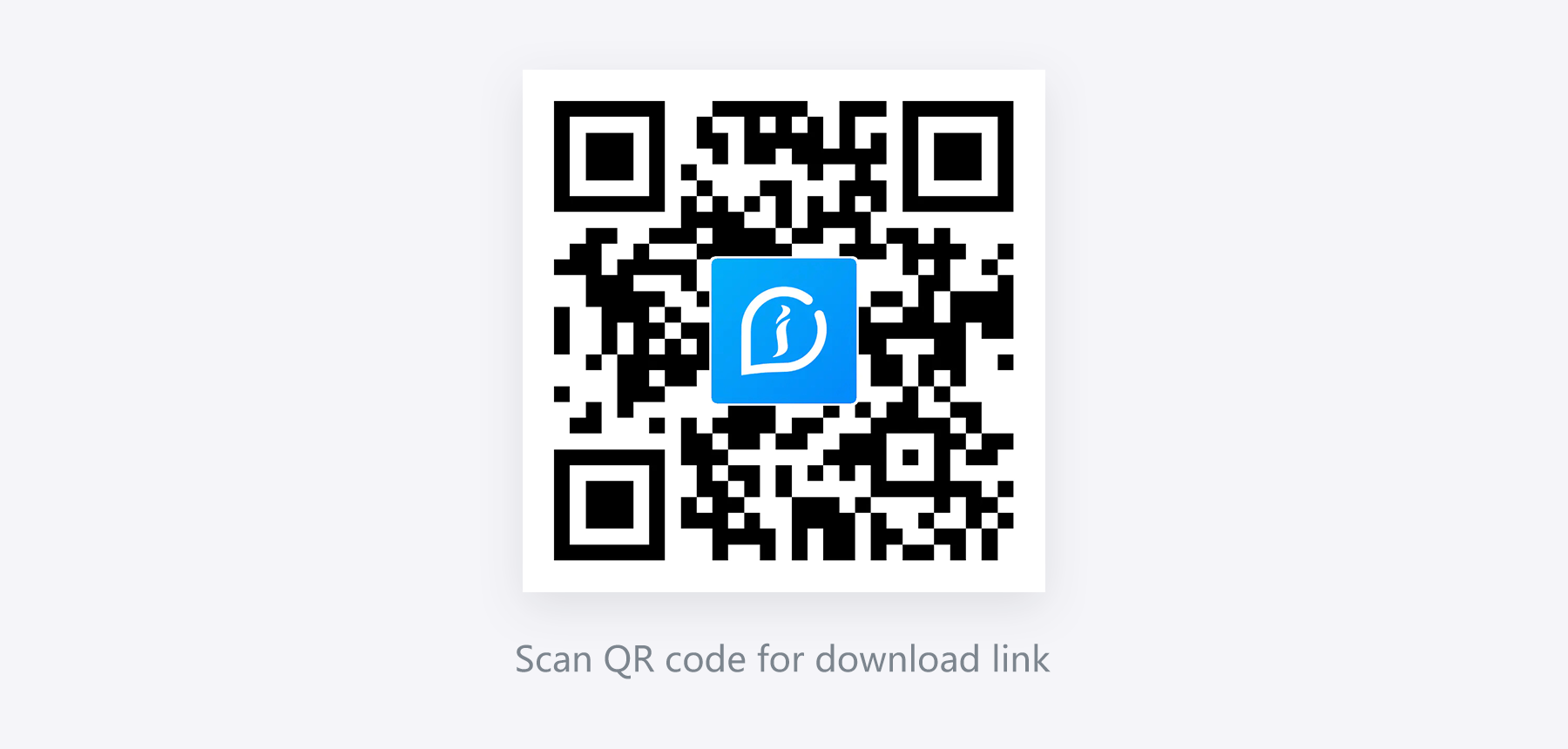
- 2. https://www.ivpstour.com/
- 3. Open the IVPS Tour APP, click the symbol in the upper right corner of the home page or go to Tools page then click Authentication to scan your product's code.
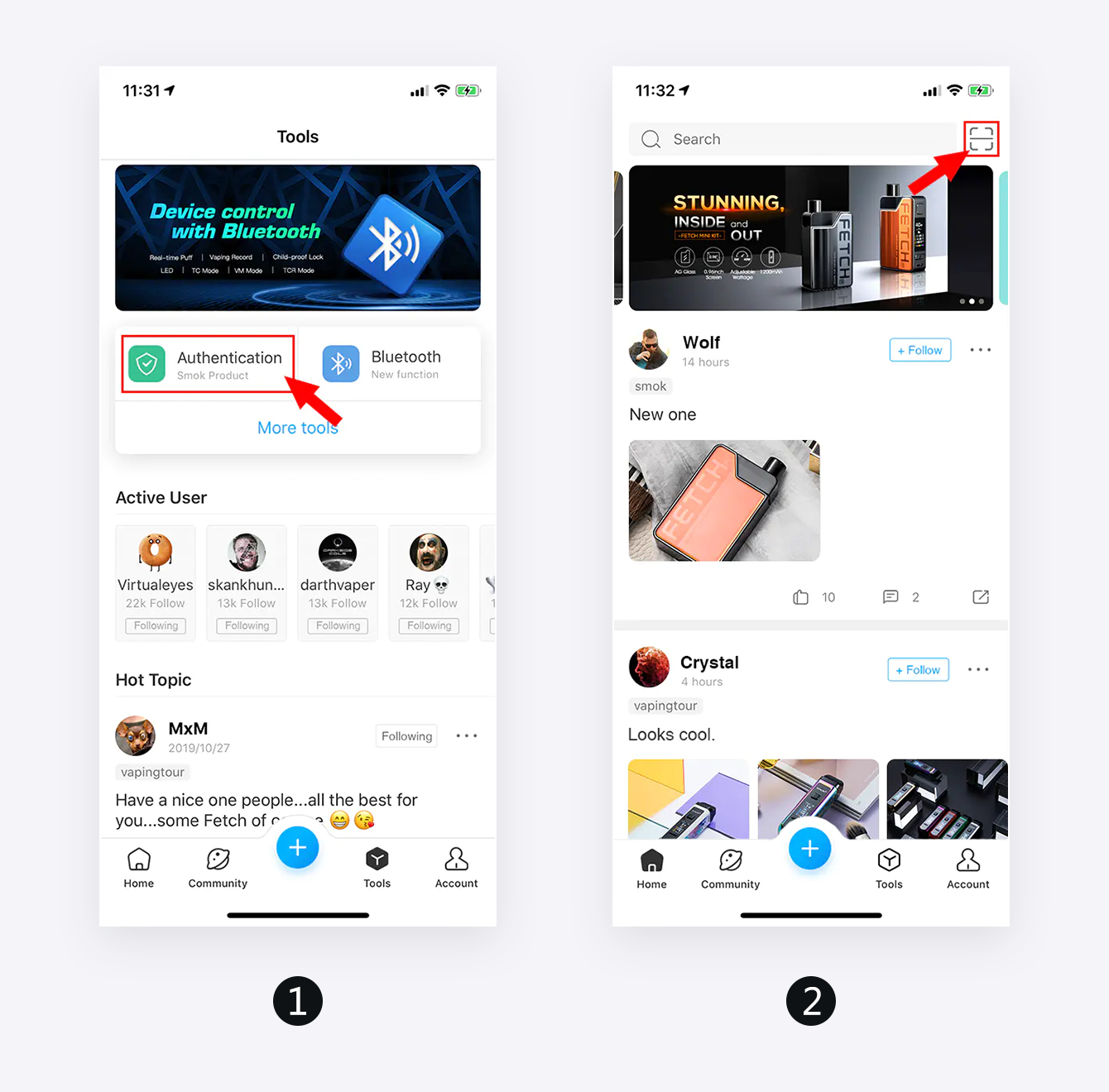
2. VERIFICATION
Part one: Product verification
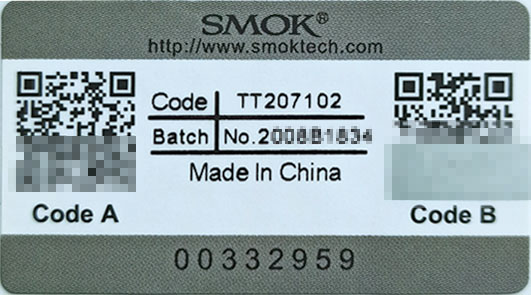
- 1. Find the Code A on code labeled, located on the outside of your product's package, as per the photo as follows.
- 2. Using the APP IVPS Tour to scan Code A will show that the product is not activated, and show the number of times the product has been scanned.
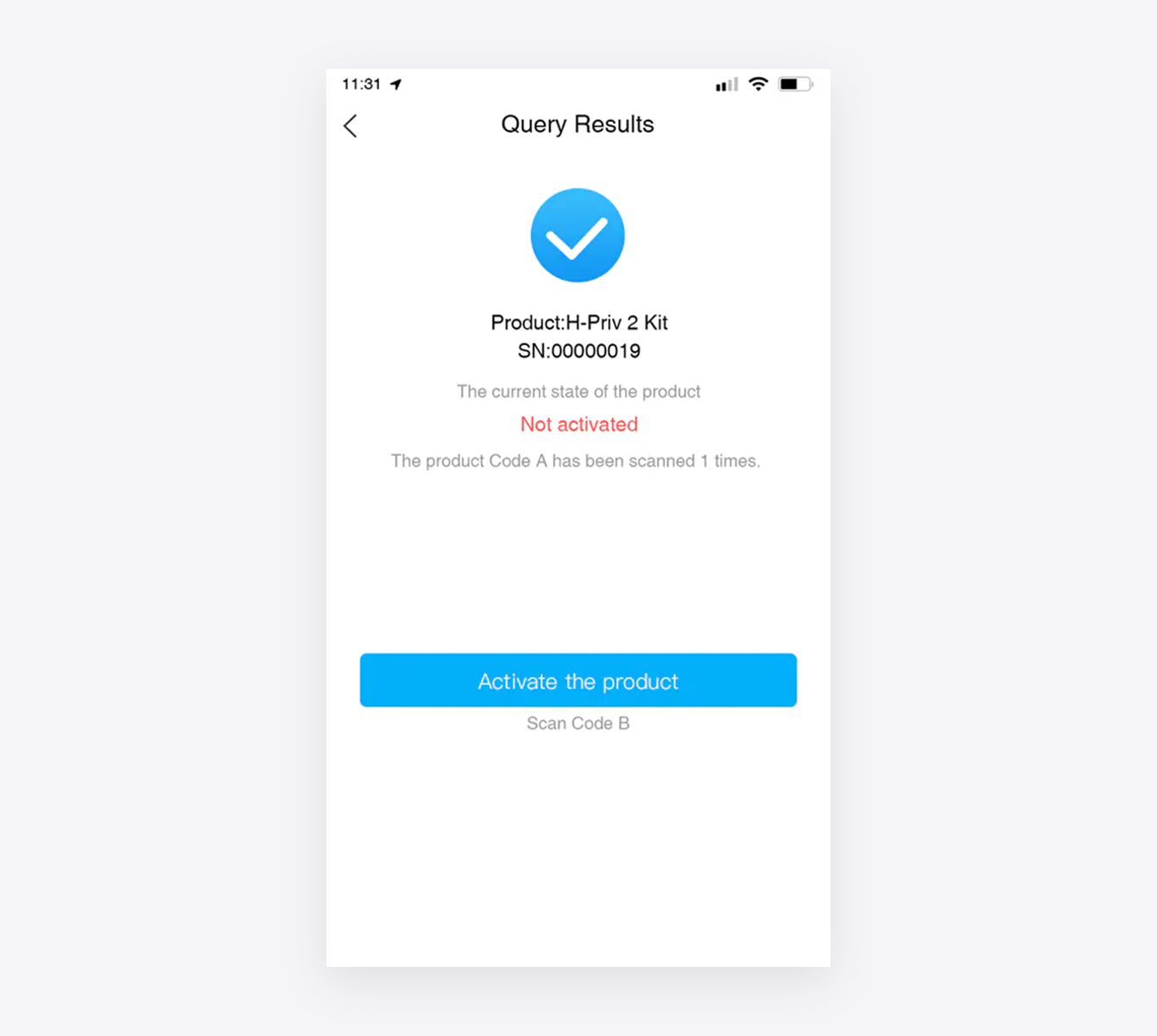
- 3. Click the Activate the Products prompt to scan the Code B to activate and bind the product.
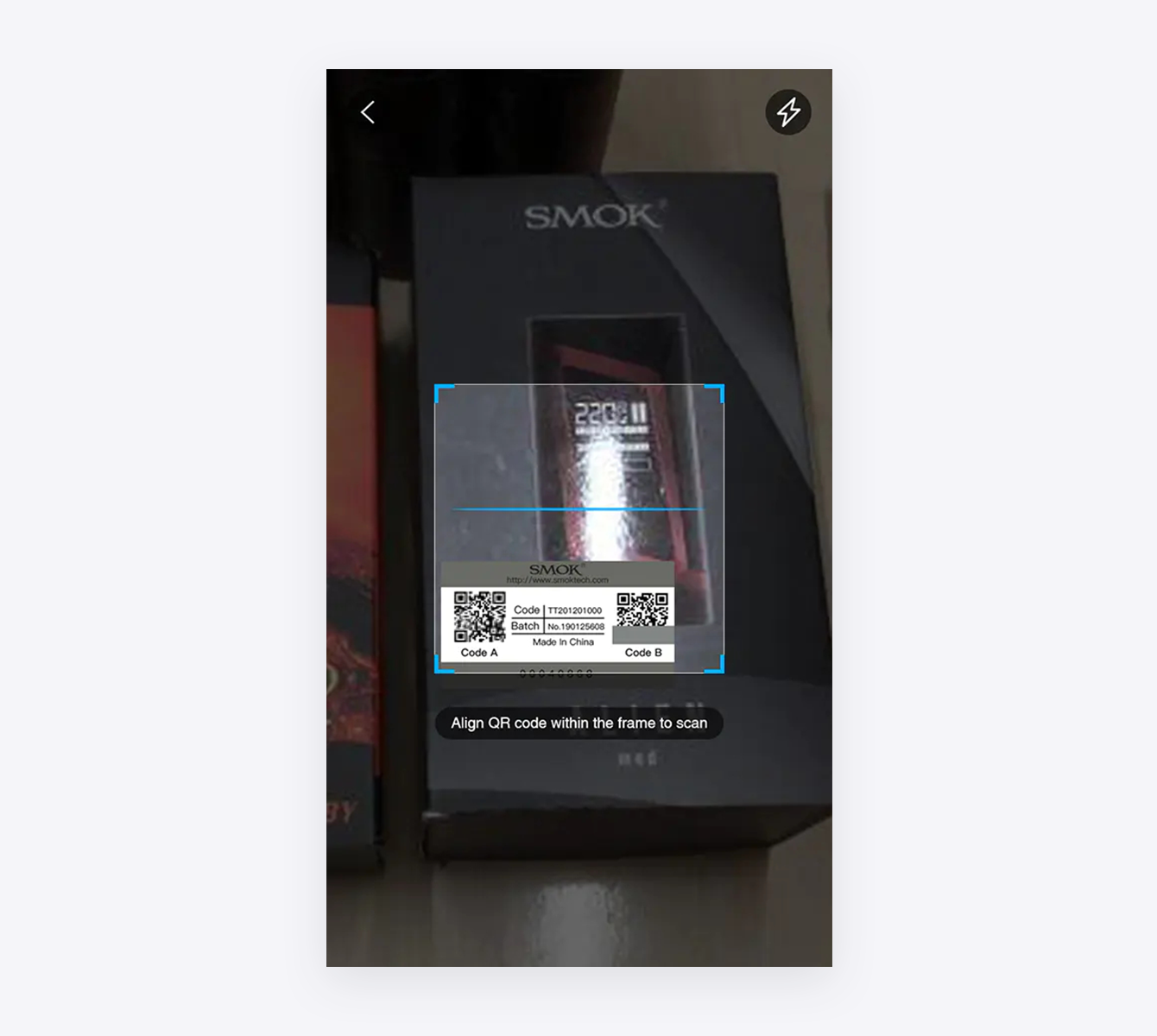
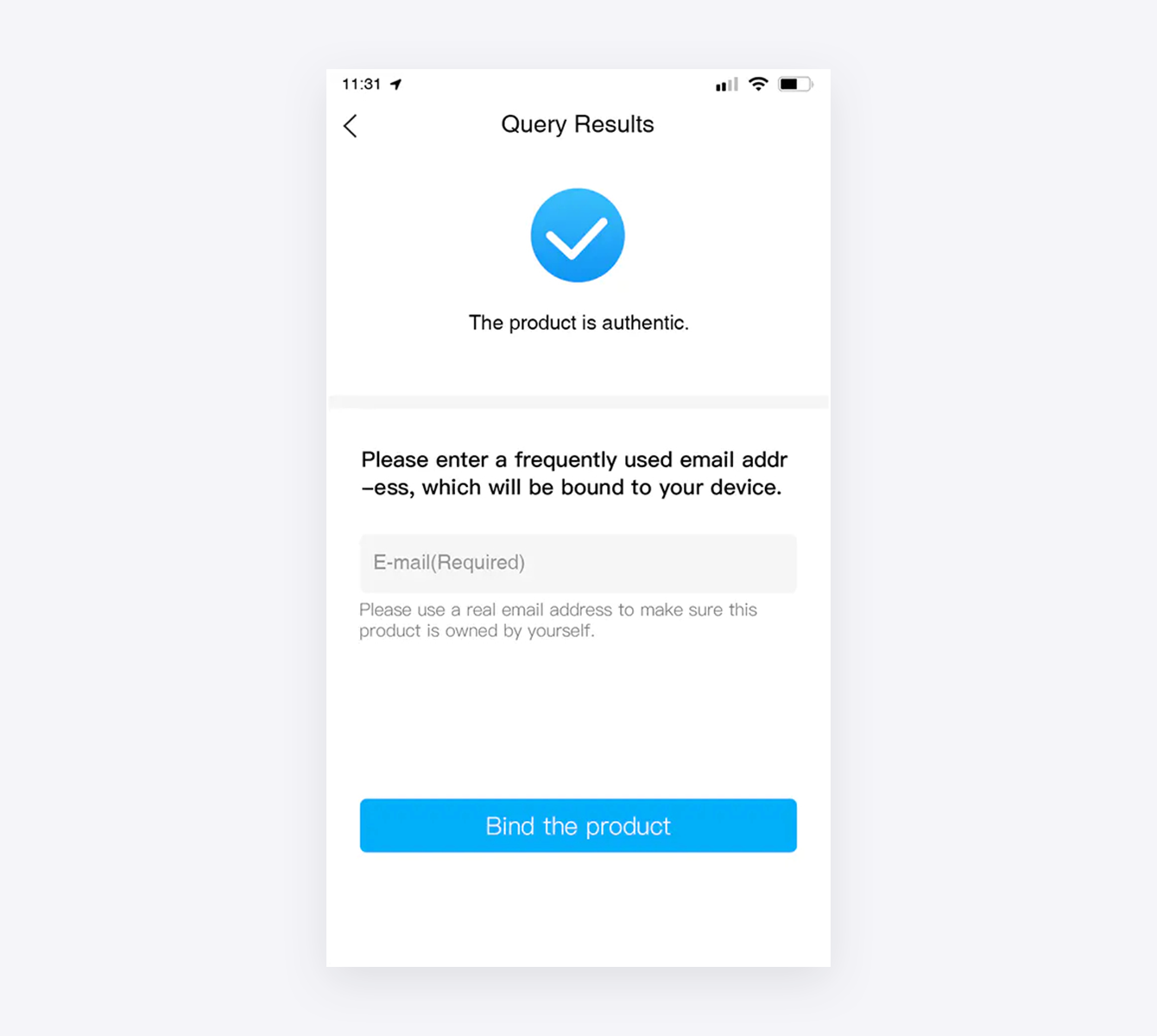
- 4. After scanning the Code B, it will shows the product is authentic.Please use a real email address to make sure this product is owned by yourself.
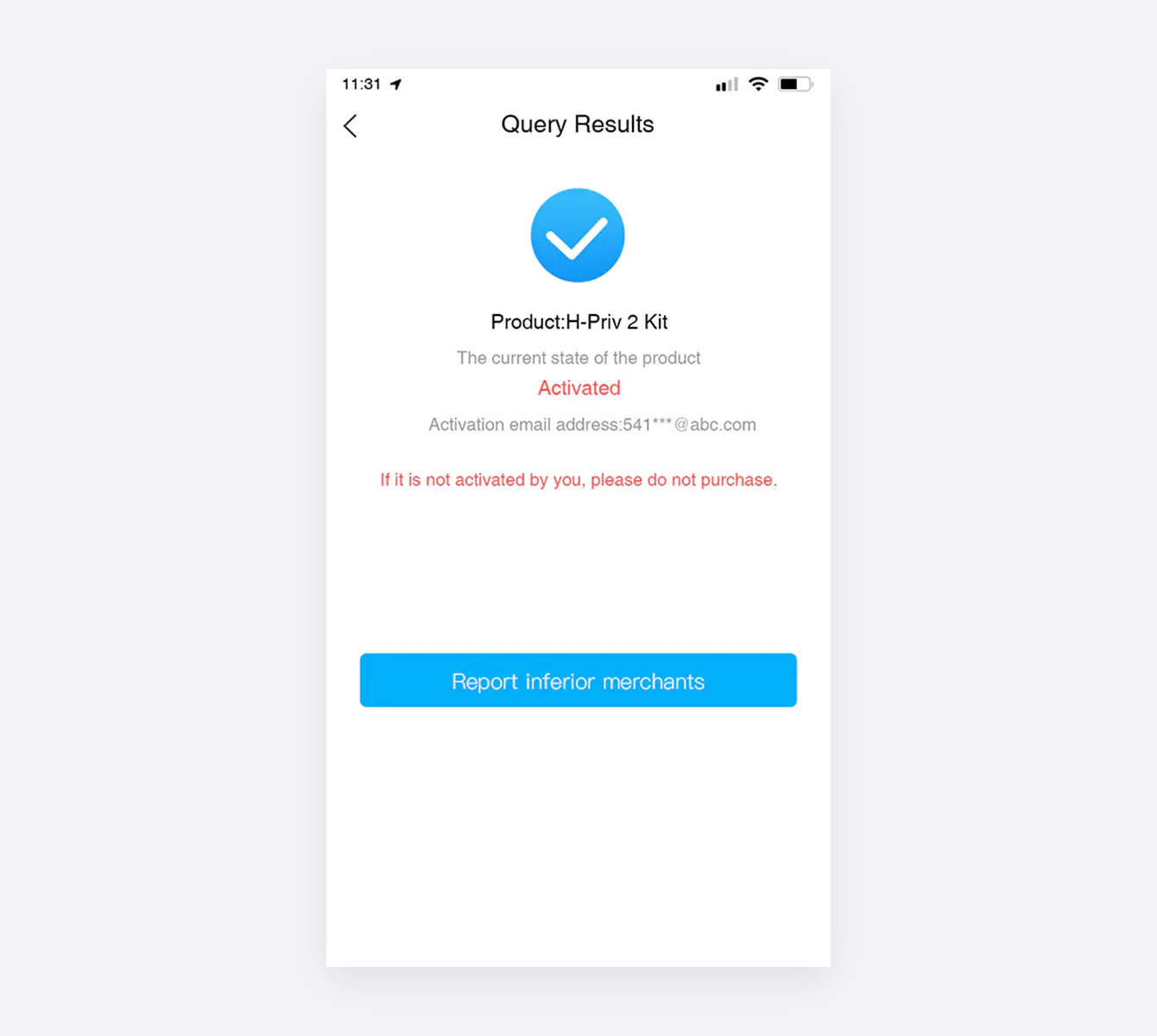
- 5. When other device scans the activated Code A, it will show that the product has been activated. If it is not you who activated it, please do not purchase the product.
Part two: the anti-counterfeiting code abnormal situation
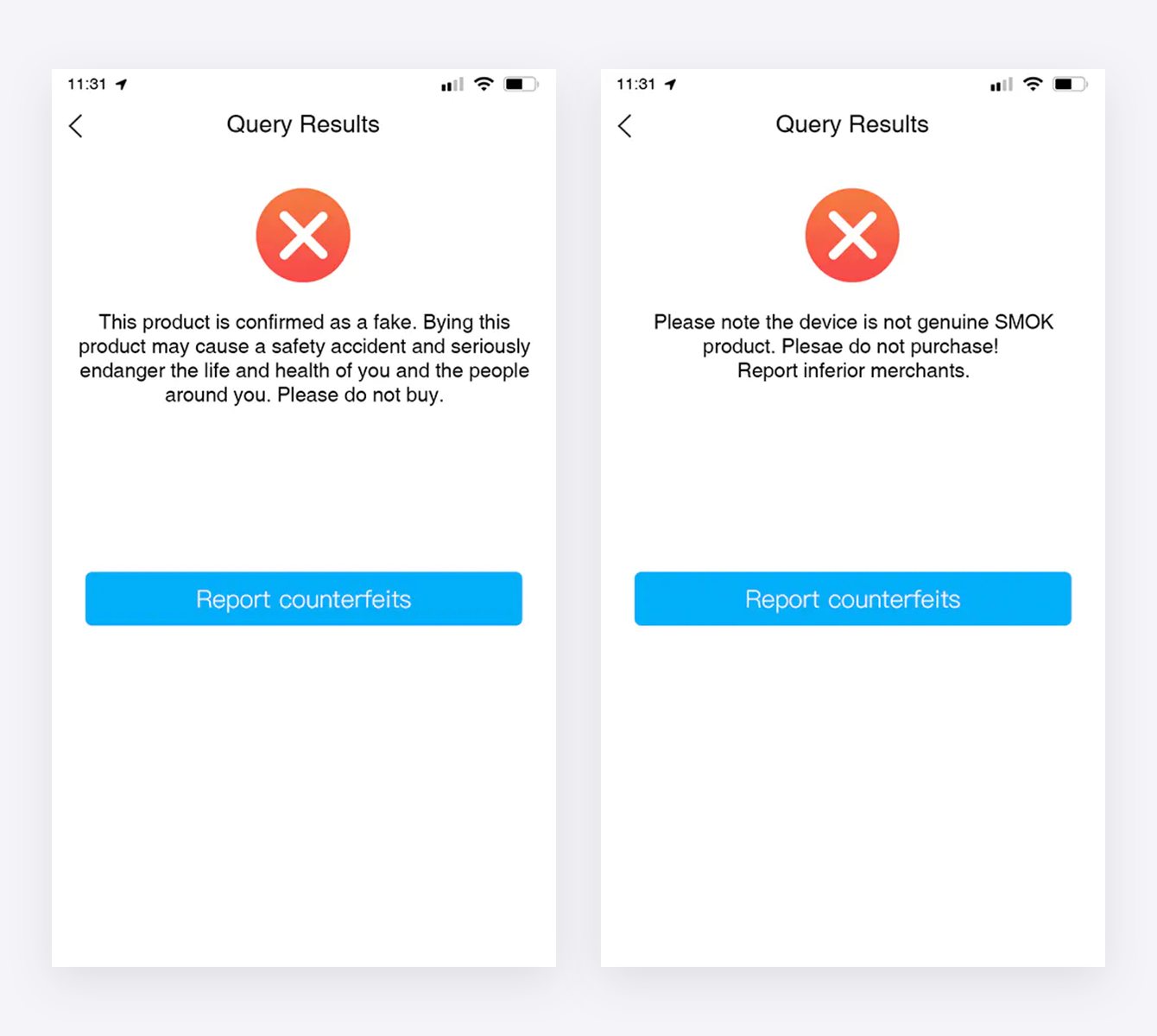
- 1. If it shows the product is fake or the device is not genuine SMOK product after scanning Code A, please do not purchase it.
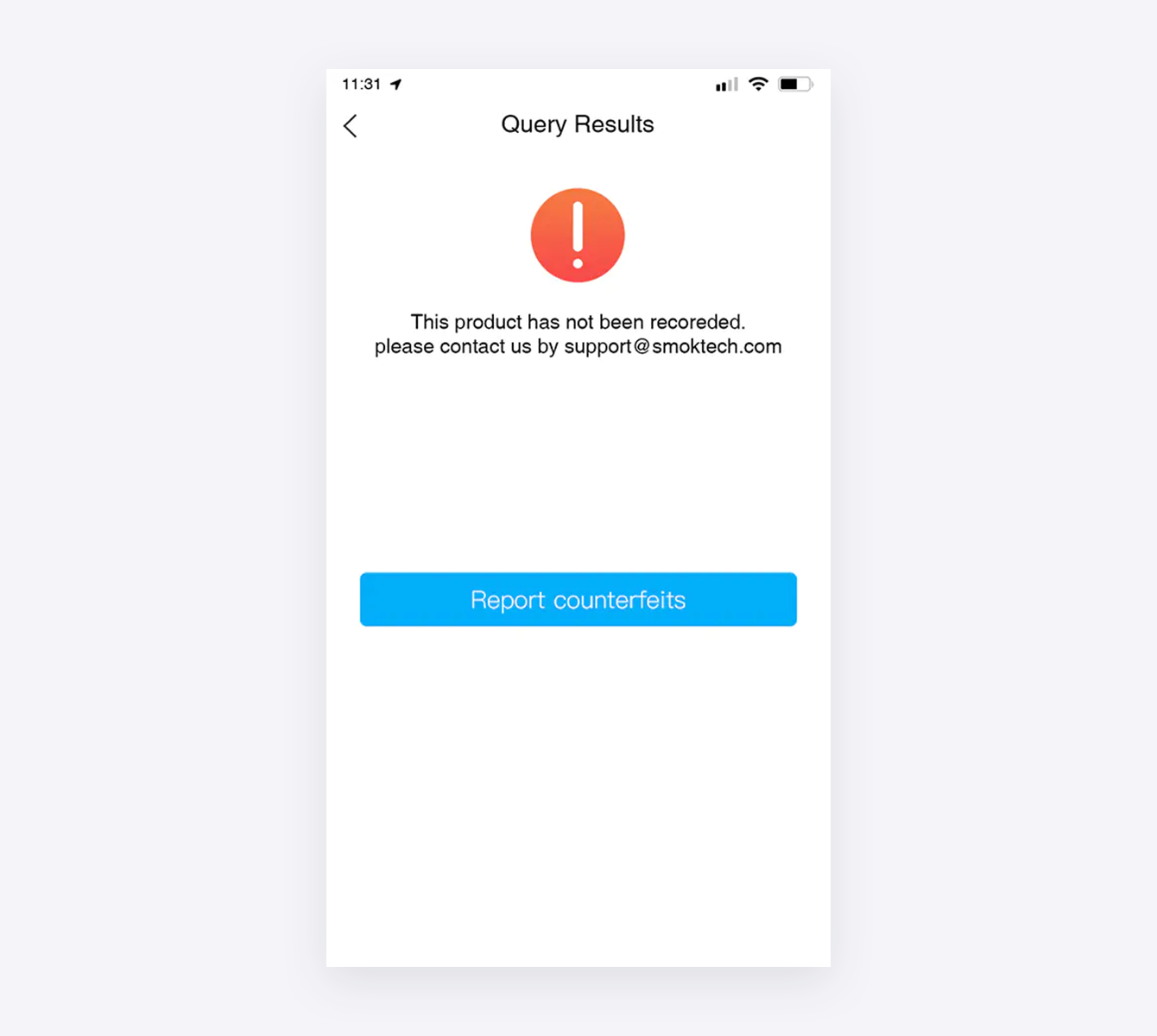
- 2. If it shows the product is not recorded yet, please contact us for enquiry.
- 3. When you failed to scan Code B, please check if you scan the right Code B.
Please do not purchase it if you confirmed Code B is correct, and report the product to us.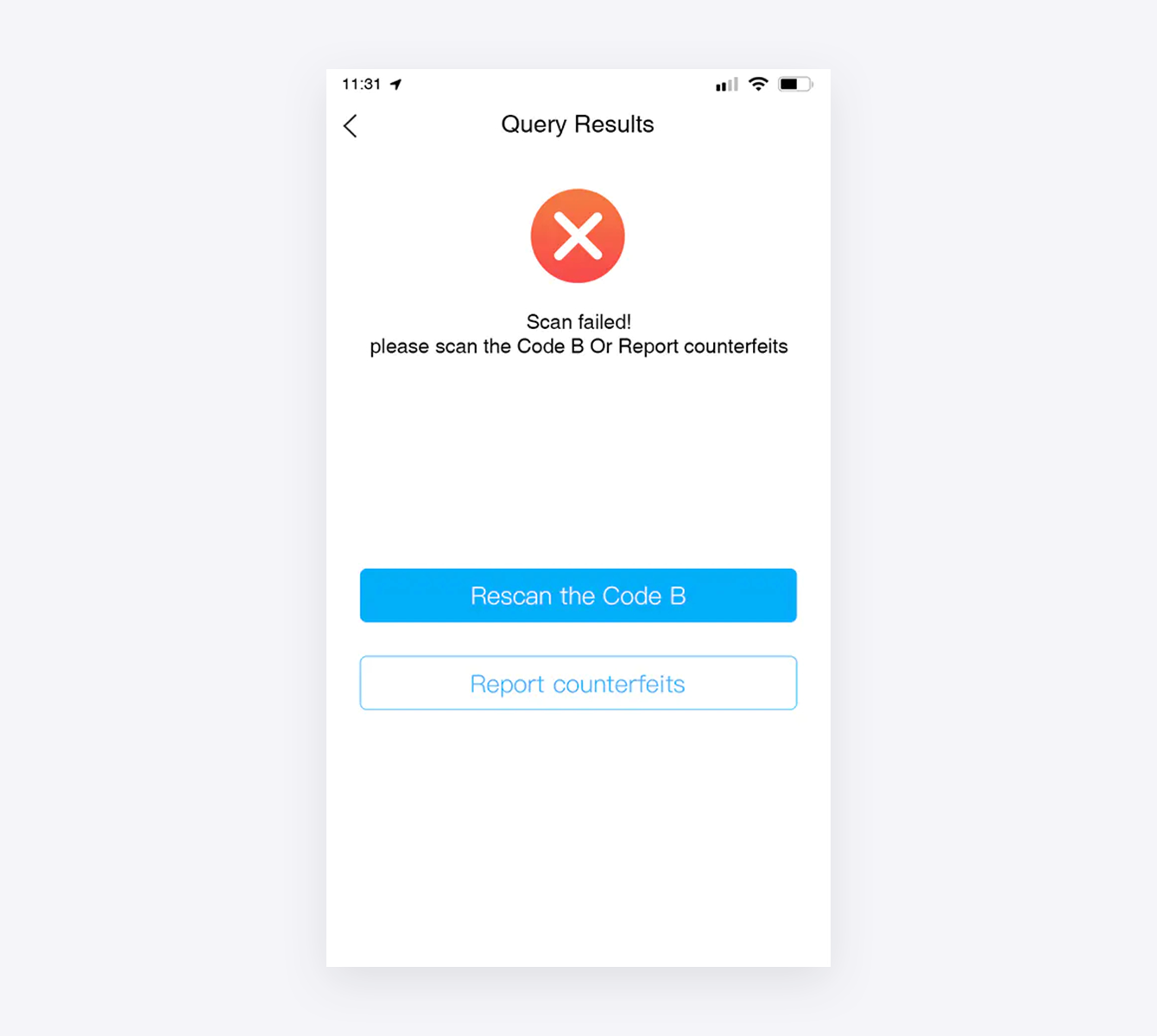
On this page
